



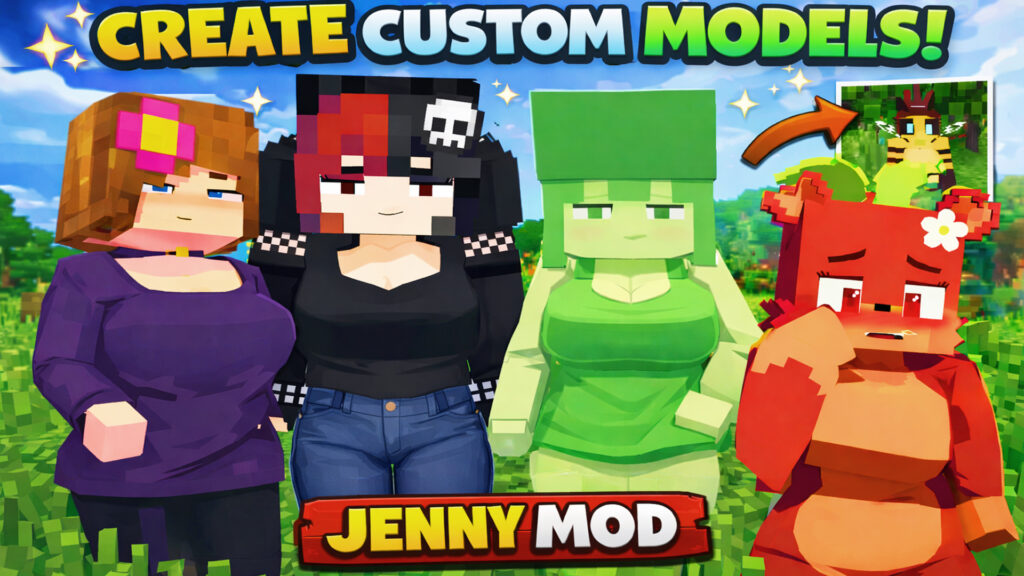
Creating custom models for Jenny Mod is one of the best ways to refresh your Minecraft experience. Instead of using the same characters for a long time, you can redesign models, change textures, and add new parts to build your own unique version of Jenny Mod.
For Jenny Mod models, tutorials, and updates, visit our website:
👉 https://jennymodcraft.com/original-template/
What You Need Before Starting
Before creating custom models, make sure you have the following tools installed:
- Blockbench – Minecraft model editor
👉 https://www.blockbench.net/ - Photoshop or any image editor – for editing texture files
Blockbench is the most popular tool for creating and editing Minecraft models and works perfectly with Jenny Mod structures.
Understanding Jenny Mod Folder Structure
A standard Jenny Mod model includes several important folders:
- animations – controls character movements
- geo – contains model structure and bones
- textures – stores skin and texture images
- sounds – includes audio effects
⚠️ Important:
Do not rename or delete these folders, or the mod may stop working or crash the game.
Editing Textures Safely
One of the easiest ways to customize Jenny Mod is texture editing.
Steps:
- Open the texture file in Photoshop
- Change colors or visual details
- Save using the same filename
- Overwrite the original file
Once saved, Blockbench will automatically update the preview.
Creating New Model Parts
You can add small accessories such as hats or custom parts.
To do this safely:
- Create a new subfolder inside the main directory
- Keep original folders untouched
- Avoid using the same folder names
This helps prevent conflicts and ensures stable performance.
Packing the Mod and Testing In-Game
After finishing your edits:
- Return to the original folder structure
- Compress the folder into a ZIP file
- Place it into Minecraft’s resource pack directory
- Enable it in the game settings
If done correctly, your custom Jenny Mod model will appear in-game.
Tips to Avoid Errors
- Keep all original folder names
- Replace files, not folders
- Test changes step by step
- Avoid animation edits if you are new
Final Thoughts
Creating custom models for Jenny Mod is a fun and creative process. With proper structure and tools like Blockbench, even beginners can build custom characters safely.
For more Jenny Mod models and tutorials, visit:
👉 https://jennymodcraft.com/
Blockbench official website:
👉 https://www.blockbench.net/
✅ Beginner friendly
✅ Safe mod structure
✅ Blockbench compatible
✅ Perfect for custom Jenny Mod creators