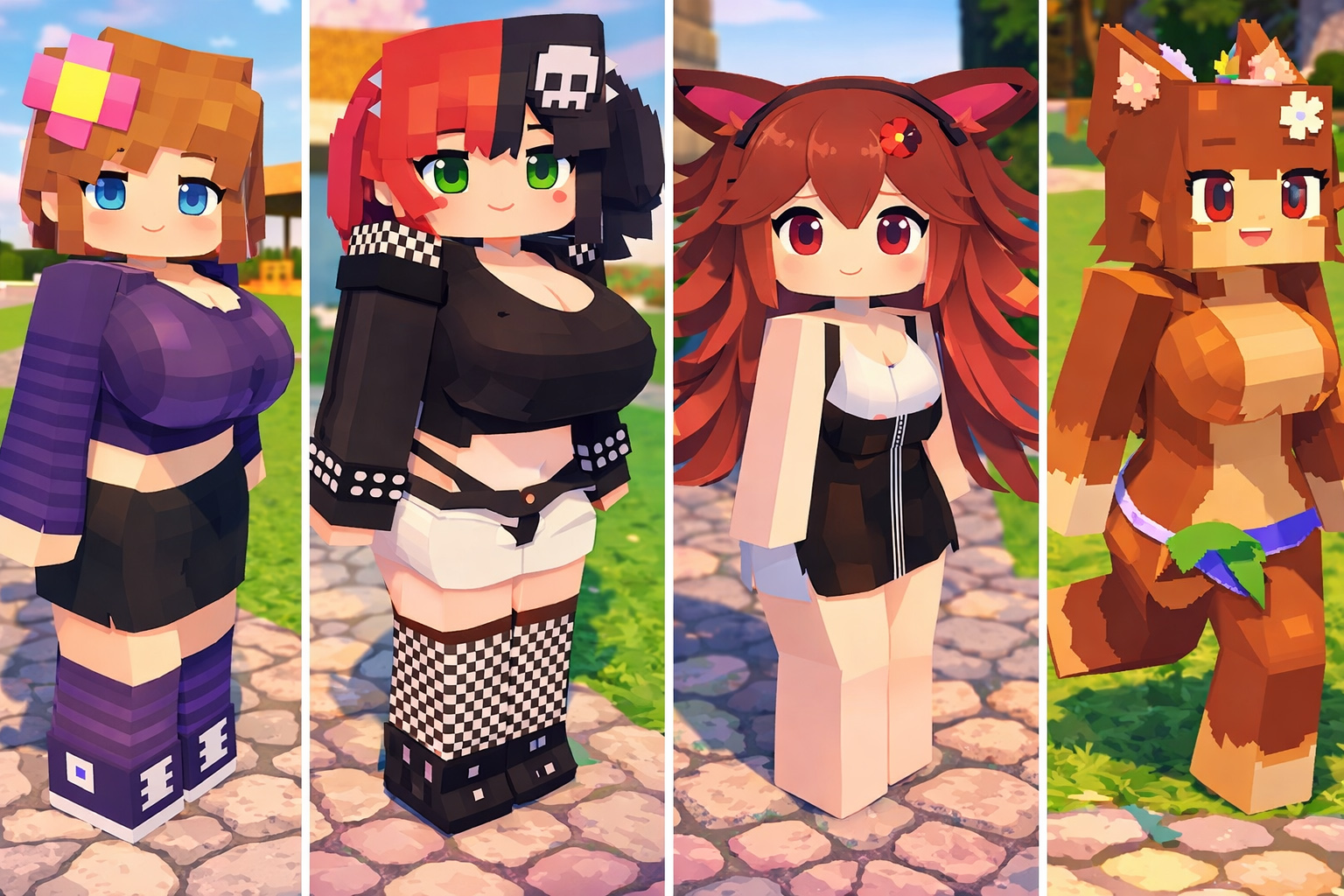
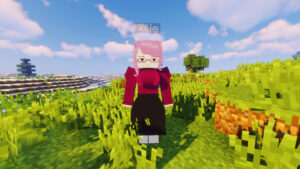
Minecraft Bedrock Edition allows players to enjoy addons that completely change gameplay, and one of the most searched companion-style mods today is Jenny Mod for Minecraft Bedrock / Pocket Edition.
With custom NPC interactions, animated characters, and roleplay features, Jenny Mod brings a new experience beyond vanilla Minecraft.
In this article, you will learn how to download, install, and play Jenny Mod on Minecraft Bedrock (MCPE) safely using the latest version.
What Is Jenny Mod Minecraft Bedrock?
Jenny Mod is a custom Minecraft addon designed to add interactive NPC characters into the game. Originally popular on Java Edition, the Bedrock version has now been optimized for:
- Minecraft Pocket Edition (Android) (ios)
- Minecraft Bedrock Windows 10 / 11
- Custom behavior & resource packs
The mod focuses on character interaction, animations, and roleplay-style gameplay, making it popular among players who want more immersive worlds.
Download Jenny Mod Minecraft Bedrock Latest Version
Before downloading, make sure your Minecraft version is updated to the newest Bedrock release.
✅ Supported Platforms
- Android (Minecraft Pocket Edition)
- iOS – Iphone – iPad – Mac
- Windows 10 / 11 Bedrock Edition
🔽 Download Link
You can download the latest Jenny Mod Bedrock- PE(Android – Ios – Windows – Mac …) version here:
How to Install Jenny Mod Minecraft Bedrock – Pocket Edition
To make sure Jenny Mod works correctly, please follow the installation steps carefully. The addon requires both Behavior Pack and Resource Pack to be activated.
Step 1: Download Jenny Mod Addon
First, download the latest Jenny Mod Bedrock version from a trusted website:
The file format may be:
.mcaddon.mcpack- or
.zip
If the file is .zip, extract it before installing.
Step 2: Import Jenny Mod into Minecraft
After downloading:
- Tap the
.mcaddonfile - Minecraft will open automatically
- Wait until you see:
✅ Successfully Imported
This means both the Behavior Pack and Resource Pack were installed correctly.
Step 3: Create a New World
Jenny Mod works best in a new world.
- Open Minecraft
- Tap Create New World
- Scroll to Behavior Packs
- Activate Jenny Mod Behavior Pack
- Go to Resource Packs
- Activate Jenny Mod Resource Pack
Make sure both packs are enabled.
Step 4: Enable Experimental Features
This step is very important.
Turn ON the following options:
- ✅ Experimental Gameplay
- ✅ Holiday Creator Features
- ✅ Beta APIs (if available)
Without these settings, Jenny Mod may not work or may crash.
Step 5: Enter the World
After enabling everything:
- Create the world
- Join the game
- Switch to Creative Mode (recommended)
Jenny Mod is not designed for Survival Mode testing.
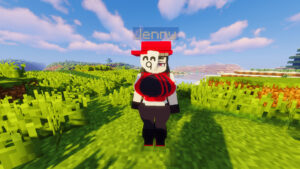
Step 6: Spawn Jenny NPC
You can spawn Jenny using:
Method 1 – Creative Inventory
- Open inventory
- Find Jenny Spawn Egg
- Place it on the ground
Method 2 – Command
/summon kum:jenny
/summon kum:bia
/summon kum:ellie
/summon kum:luna
/summon kum:slime_girl
/give @s kum:cushion
(Entity ID may change depending on mod version.)
Step 7: Start Playing
- Tap or right-click Jenny
- Follow in-game interaction prompts
- Enjoy custom animations and NPC behavior
Jenny will appear as an interactive character inside your world.
How to Tame Characters in Jenny Mod
In this Jenny Mod version, each character has a different taming method.
Some characters require items, while others only need you to get close.
Make sure you are in Creative Mode and the mod is installed correctly.
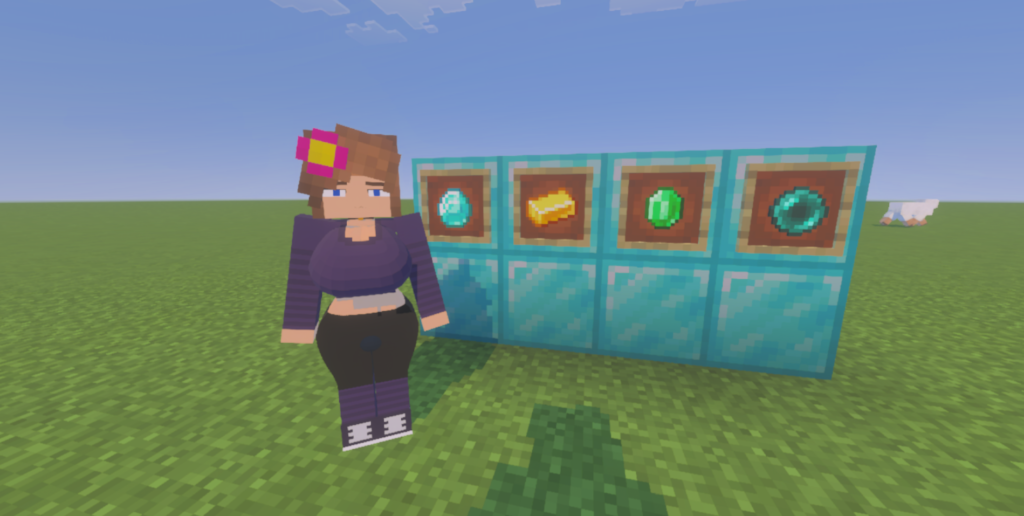
💎 Jenny – How to Tame
Items you can use:
- Diamond
- Emerald
- Ender Pearl
- Gold Ingot
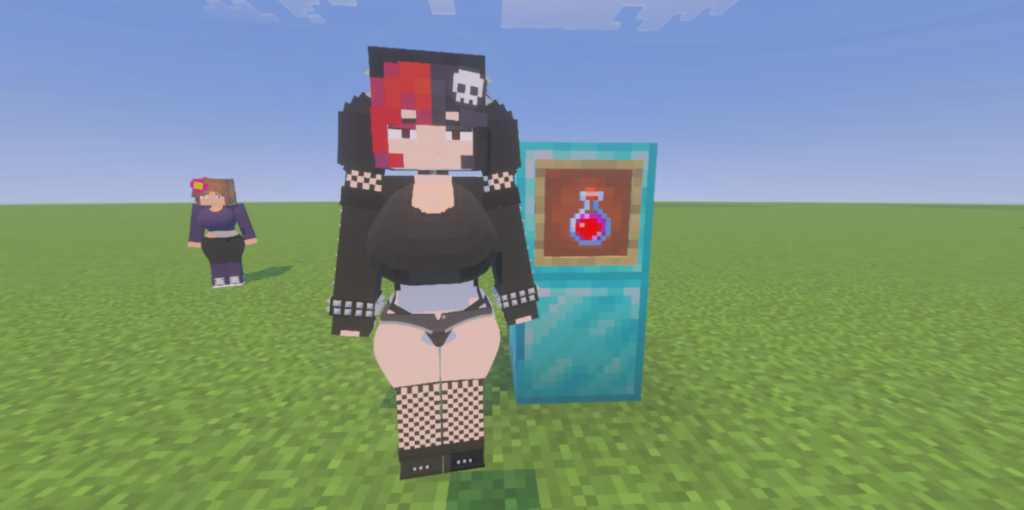
🧟 Ellie – How to Tame
Required item:
- Horny Potion
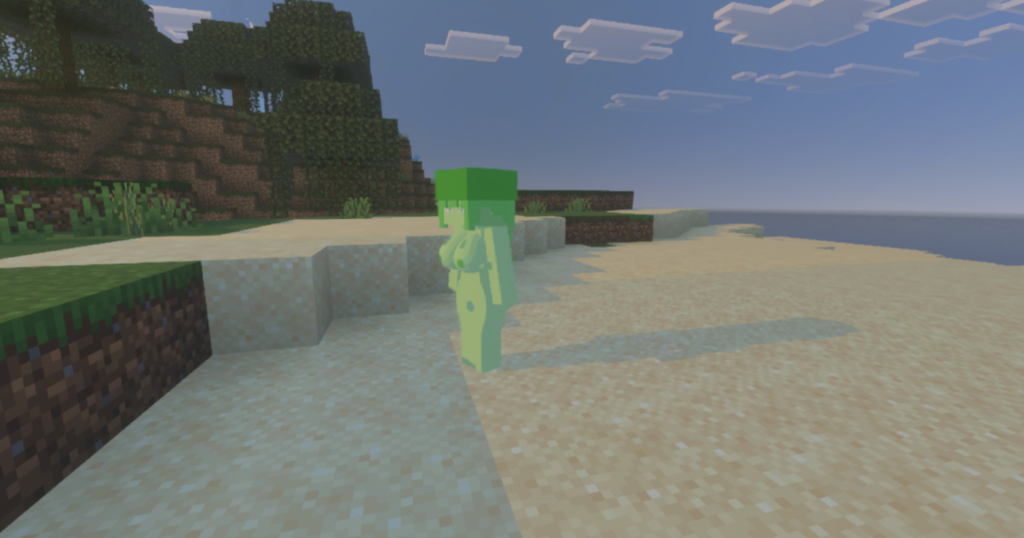
🟢 Slime – How to Tame
Item required:
❌ None
🧝 Bia – How to Tame
Item required:
❌ None
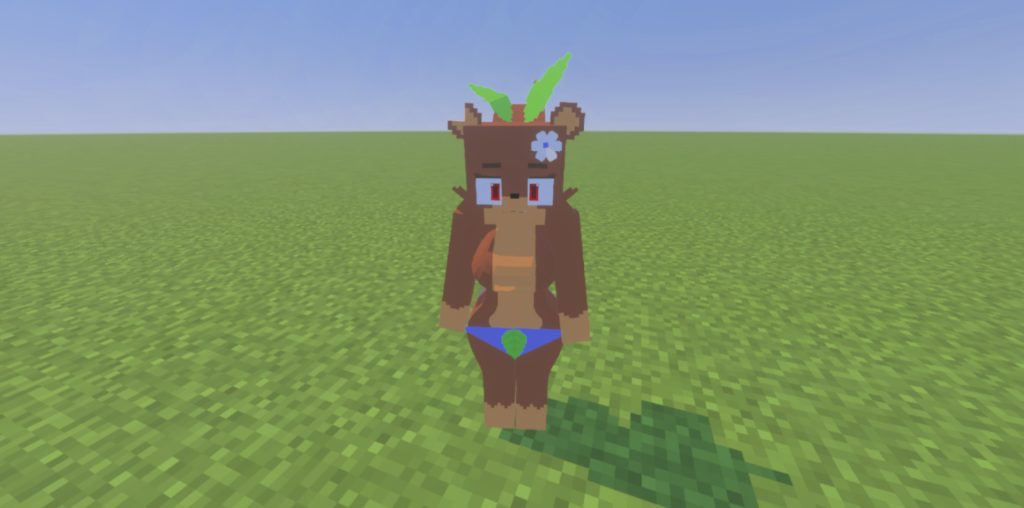
🌙 Luna – How to Tame
Required items:
- Raw Salmon
- Raw Cod
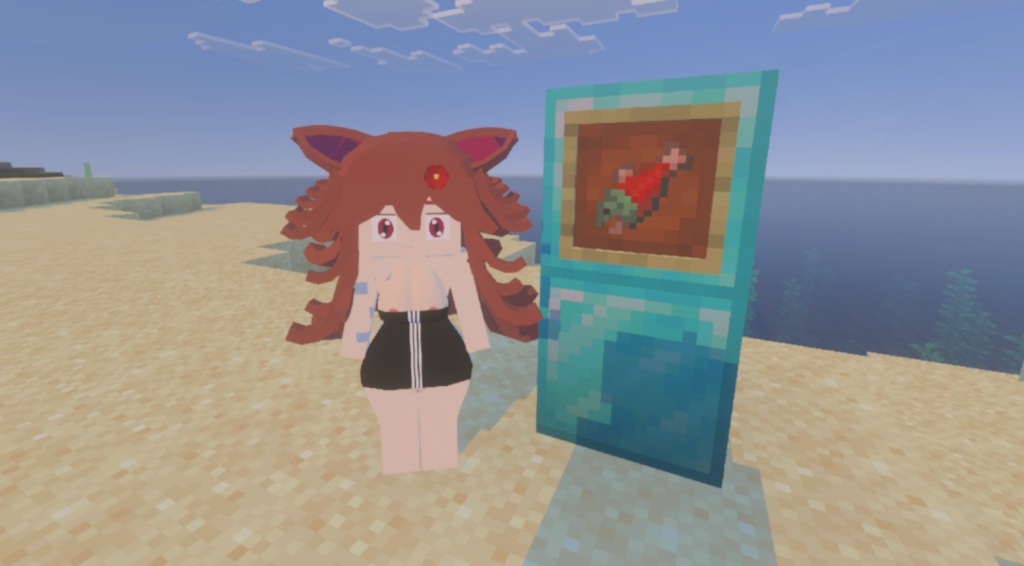
(must be raw fish, not cooked)
Installation Tips & Common Fixes
If Jenny Mod does not appear:
- Make sure both packs are enabled
- Check experimental settings
- Do not mix with other NPC mods
- Restart Minecraft after import
- Try a new world
Recommended Settings
For best performance:
- Use Creative Mode
- Avoid heavy shaders
- Use one Jenny addon per world
- Backup your world before updates












Leave a Reply